linkedin
Solid Edge logo
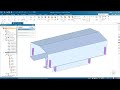
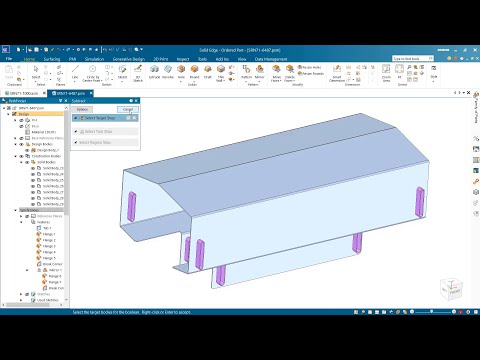
play What's new in Solid Edge 2024 | Mechanical Design
Solid Edge siemens
Solid Edge

Solid Edge

Brand: Siemens Digital Industries Software

  • 4.6

  • 4 Ratings & 1 Review

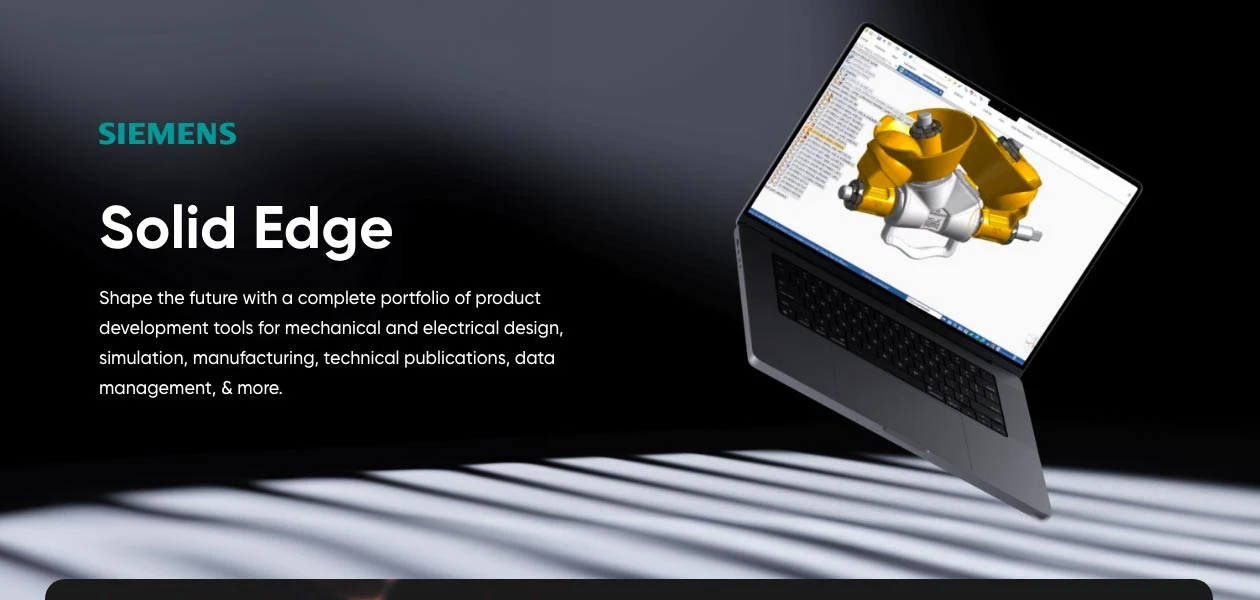
Solid Edge is a powerful 3D design software that combines parametric and direct modeling to create and analyze products before manufacturing.

See More

Have you used Solid Edge before?

Share your insights for better experience

Add a Review
Starting Price
£100

View plans

100% Genuine
Products
Best Price
Guaranteed
Safe & Secure
Payment
  • Description

  • Pricing

  • Features

  • Specification

  • Review

  • Compare

  • Alternatives

  • FAQ

Starting at £100

Solid Edge Software Overview

What is Solid Edge Software?

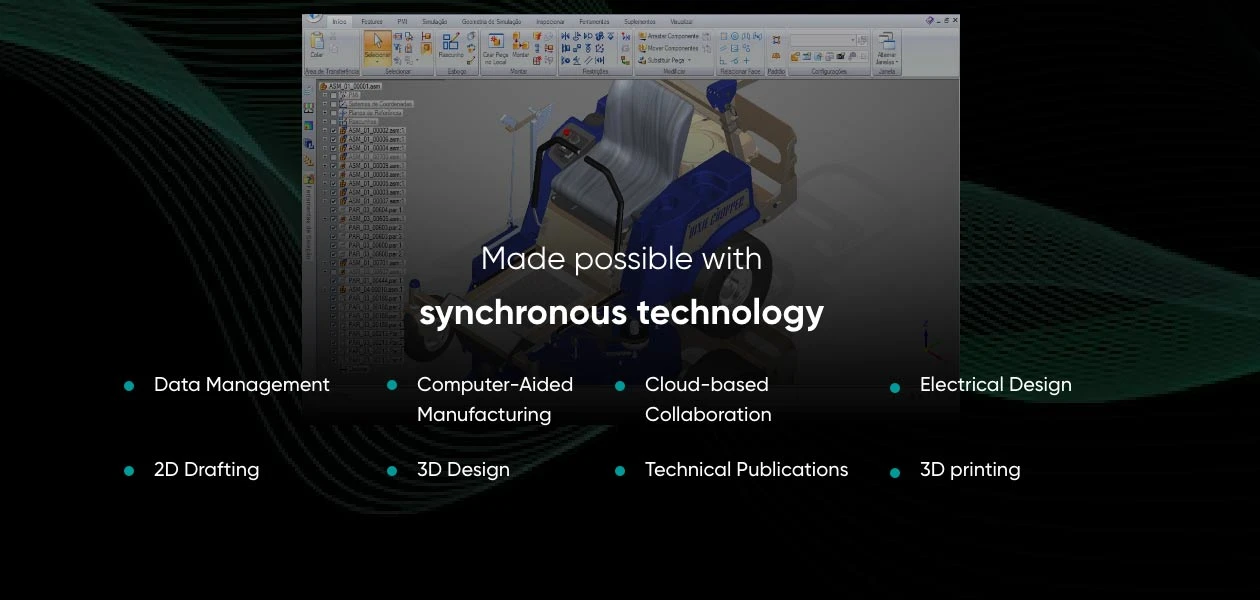
Solid Edge by Siemens is an engineering design software offering modular modeling, simulation, and more tools. Tailored for various industries like aerospace, automotive, and medical devices, it covers a spectrum of needs, including electrical design, 3D modeling, computer-aided manufacturing, simulation, and data management.

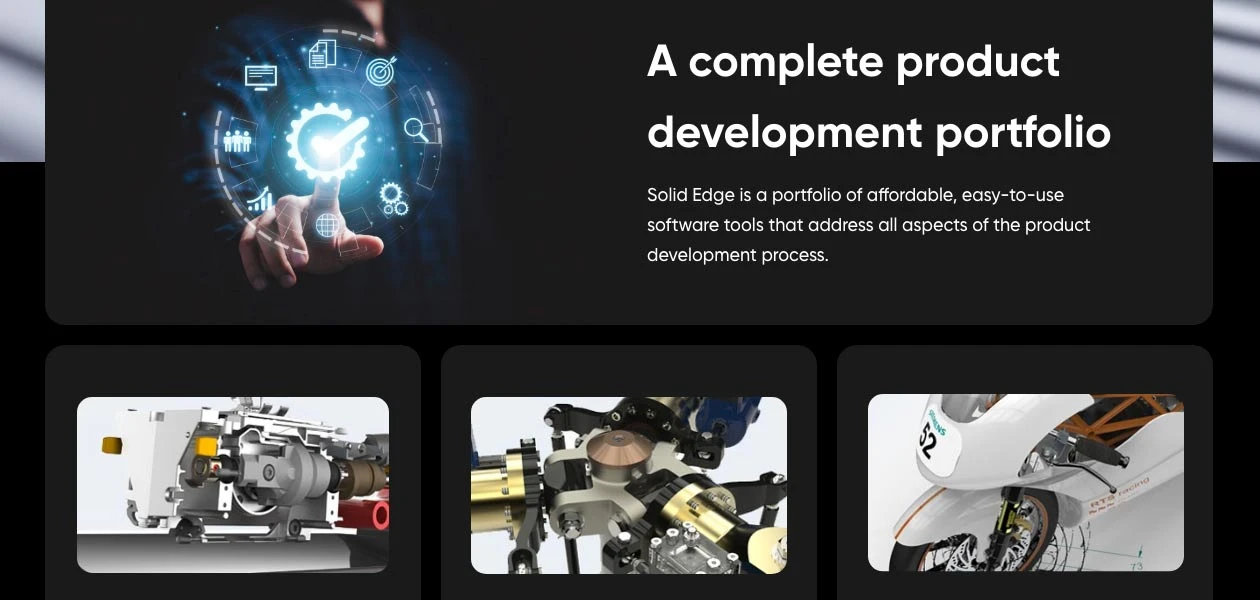
The product development software allows users to create precise designs efficiently, incorporating features such as subdivision modeling, rapid concept modeling, reverse engineering, and cabinet panel design for 2D layouts. It facilitates collaboration and accessibility with cloud capabilities, enabling users to access the software and view CAD files remotely. With a focus on high-quality illustrations and document generation directly from 3D models, it empowers businesses to streamline their product development processes.

Why Choose Solid Edge Platform?

  • The engineering design software allows you to optimize your designs for weight, strength, or other factors based on AI-powered algorithms.
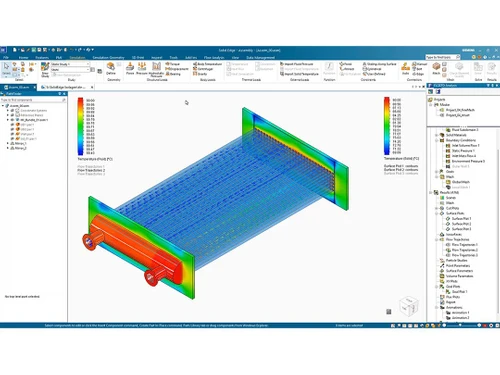
  • It seamlessly connects with FEA (Finite Element Analysis) software for advanced stress and performance analysis.
  • The product development software allows you to create organic shapes and complex surfaces for artistic or industrial designs.
  • You can generate preliminary design cost estimates based on materials, manufacturing processes, and other factors.
  • The tool allows you to identify potential manufacturing problems early in the design process and optimize manufacturability.

Benefits of Solid Edge Engineering Design Software

  • The engineering design software allows you to evaluate the environmental impact of your designs through lifecycle assessment tools.
  • It empowers you to find the most efficient material distribution for minimizing weight while maintaining performance.
  • The platform allows you to export your designs directly to CAM (Computer-Aided Machining) software for CNC machining.
  • It streamlines sheet metal workflows, from unfolding complex shapes to generating flat patterns and production drawings.
  • The product development software by Simens allows you to test your designs virtually before committing to physical prototypes.

Solid Edge Pricing

Solid Edge pricing is available on request at techjockey.com.

Its pricing in India may vary based on factors like customization, additional features required, the number of users, and the deployment type. Please request a call back for subscription-related details and to avail offers on premium packages.

Read more

Siemens Digital Industries Software Company Details

Founded Year:  1922

Siemens is an engineering and electronics company that specializes in the fields of industry, energy, transportation, and healthcare.

Director/Founders Johann Halske, Sebastian Greiss, Werner Siemens
Company Size 1000+ Employees

Solid Edge Pricing & Plans

Design and Drafting XaaS
Starting at £100
    • Quantity

      Quantity
      Quantity
    • Monthly

      Monthly
      Monthly

Key Features

  • 2D drafting

  • Data import and reuse

  • Basic 3D part design

  • Basic 3D assembly design

  • Synchronous technology

  • Model Based Definition (MBD) preparation

  • Automated 2D drawings

  • Standard parts library

  • Basic animation

  • Basic rendering

Foundation XaaS
Starting at £279
    • Quantity

      Quantity
      Quantity
    • Monthly

      Monthly
      Monthly

Key Features

  • 2D drafting

  • Data import and reuse

  • Advanced 3D part design

  • Advanced 3D assembly design

  • Synchronous technology

  • Model Based Definition (MBD) preparation

  • Sheet metal design

  • Frame & weldment design

  • Surface modeling

  • Plastic part design

Classic XaaS
Starting at £315
    • Quantity

      Quantity
      Quantity
    • Monthly

      Monthly
      Monthly

Key Features

  • 2D drafting

  • Data import and reuse

  • Advanced 3D part design

  • Advanced 3D assembly design

  • Synchronous technology

  • Model Based Definition (MBD) preparation

  • Sheet metal design

  • Design for cost

  • Frame & weldment design

  • Surface modeling

Solid Edge Features

  • icon_check CAD Tools
    Leverage advanced CAD tools throughout the entire product development lifecycle.
  • icon_check 3D Design Mode
    Intuitively create and modify 3D models with a blend of direct and parametric methods.
  • icon_check Drawing Tools
    Generate 2D technical drawings and annotations directly from your 3D models.
  • icon_check Rendering
    Produce photorealistic images and animations of your designs for presentations or marketing.
  • icon_check Collaboration
    Work on designs collaboratively in real-time from anywhere with an internet connection.
  • icon_check Data Extraction
    Generate detailed reports, bills of materials, and technical drawings from your models.
  • icon_check Design tools
    Access a comprehensive toolbox of features for sculpting, extruding, fileting, and more.
  • icon_check 3D Modeling
    Build complex assemblies from individual parts with ease.
  • icon_check Document Management
    Manage your design data with version control, revision tracking, and access control.
  • icon_check Simulation
    Test your designs virtually before physical prototyping to optimize performance.
Solid Edge Demo Video play icon

Get Solid Edge Demo

Watch the demo video to explore key features, real workflows, and how the software fits your business needs.
Understand
Key Features
Personal
Demo Insights
Interactive
Demo Support
Product Enrichment Section Image

Solid Edge Specifications

Supported Platforms
Ubuntu Ubuntu Windows Windows MacOS MacOS Linux Linux
Devices
Desktop Desktop
Deployment
Cloud-Based Cloud-Based
Suitable For
All Industries
Business Specific
All Businesses
Business Size
Small Business Startups Medium Business Enterprises SMBs SMEs MSMBs MSMEs
Customer Support
Email Communities
Language
English
Training Resources
Documentation Videos

Explore the Best Alternative Solutions Similar to Your Business Size and Needs

Solid Edge Review

4.6

Out of 5

img

Overall Rating

Based on
1 Verified Review

Rating Breakdown

  • Features 4.5
  • Value for Money 5
  • Ease of Use 4.5
  • Customer Support 4.7

87% Recommend this Product

Add Review

Francis

Product Manager

Industry: Industrial Automation

5

Reviewed on: Jul 16, 2024

Techjockey Verified

“Best product in the affordable cost”

Easy to Learn, Can open Solidworks file directly, Price is less.

Pros

We are using solid edge, It is very easy to learn and use for 3D Modelling. No hanging Issue, It is handling large assemblies very smoothly. We are using free data management tool along with Solid Edge and it is easy.

Cons

Learning Institutes are minimal.

Switched from Solidworks 3D CAD

Reason to switch

Cost and Easy usage

Compare Solid Edge With other CAD Software

Products
Ratings
Pricing
Device Supported
Deployment
Supported Platforms
  • img

    Solid Edge

  • 4.6

  • Price On Request

  • Desktop

    Mobile

  • Web based

    On Premises

  • Windows

    Mac OS

  • img

    Siemens NX

  • 4.7

  • ₹ 623869

  • Desktop

    Mobile

  • Web based

    On Premises

  • Windows

    Mac OS

  • img

    Autodesk AutoCAD

  • 4.7

  • ₹ 16520

  • Desktop

    Mobile

  • Web based

    On Premises

  • Windows

    Mac OS

  • img

    AutoCAD LT

  • 4.4

  • ₹ 4720

  • Desktop

    Mobile

  • Web based

    On Premises

  • Windows

    Mac OS

  • img

    progeCAD

  • 4.3

  • Price On Request

  • Desktop

    Mobile

  • Web based

    On Premises

  • Windows

    Mac OS

  • img

    CADMATE

  • 4.3

  • ₹ 25000

  • Desktop

    Mobile

  • Web based

    On Premises

  • Windows

    Mac OS

  • img

    MicroStation

  • 4.1

  • ₹ 121046

  • Desktop

    Mobile

  • Web based

    On Premises

  • Windows

    Mac OS

  • img

    Visao

  • 4.1

  • Price On Request

  • Desktop

    Mobile

  • Web based

    On Premises

  • Windows

    Mac OS

  • img

    Actcad

  • 4.4

  • Price On Request

  • Desktop

    Mobile

  • Web based

    On Premises

  • Windows

    Mac OS

  • img

    Shapr3D

  • 4.6

  • Price On Request

  • Desktop

    Mobile

  • Web based

    On Premises

  • Windows

    Mac OS

  • img

    KOMPAS-3D

  • 4.4

  • Price On Request

  • Desktop

    Mobile

  • Web based

    On Premises

  • Windows

    Mac OS

(0) Product(s) selected

Solid Edge Alternatives

See All Solid Edge Alternatives

Available

Price on Request

Starting Price:

$38 /Seat/Month

Starting Price:

$15 /Month

Starting Price:

$70 /License

QCAD

4.5

Starting Price:

€41 /Quantity

Starting Price:

$70 /License

Starting Price:

$100 /Quantity

Starting Price:

$25 /Quantity

Which operating system does Solid Edge Software Support?

Solid Edge software is compatible with Ubuntu, Windows, macOS, and Linux operating systems.

Is there any Solid Edge app?

Solid Edge app is unavailable for Android and iOS app users.

What is the deployment type of Solid Edge Platform?

Solid Edge platform supports cloud-based deployment.

How much does Solid Edge cost?

Solid Edge pricing is available on request at techjockey.com.

Who are the potential users of Solid Edge Engineering Design Software?

Solid Edge software is used by engineers and designers, manufacturers, product development teams, and automotive industries to create, test, and manage 3D models of parts and assemblies.

Is Solid Edge free?

Solid Edge CAM Software offers a free trial. However, the premium plan with advanced features available at Techjockey .

Is there any free trial or demo for Solid Edge?

Solid Edge free demo is available at techjockey.com.

Is Solid Edge Engineering Design Platform Free?

Solid Edge offers a free trial. However, the premium plan with advanced features is available at techjockey.com with exciting deals.

How can you download Solid Edge?

Solid Edge software installation is not required, as it is cloud-based. Just open the Setup Wizard to get started.

How does Solid Edge work?

The 3D design software allows users to handle all aspects of the product development process, from initial concept to manufacturing.

20,000+ Software Listed

Best Price Guranteed

Free Expert Consultation

2M+ Happy Customers

Terms and Condtions

close

Users with registered businesses can purchase goods from merchants on the platform to satisfy their business needs. Users are not permitted to utilize any products acquired through the platform for resale, advertising, business, or further distribution.

For each purchase made, users will receive a Tax Invoice (or 'GST invoice') that includes specific details such as:

  • the GSTIN of the user associated with their registered business, and

  • the specified Entity Name for their business.

It should be noted that not all products are eligible for GST Invoice. Only the products displayed by participating sellers with the 'GST-based Invoice Available' callout on the product description page would qualify.

Certain goods and services are not eligible to get a GST Invoice, including items with VAS, i.e., Value Added Services (e.g., Total Mobile Protection/Assured Buyback) and those involving an exchange offer at the time of purchase.

Users must ensure the accuracy of the GSTIN, and business entity name provided for the GST Invoice. Requests for corrections into GST Invoice would not be accommodated by Techjockey.com or any Seller, and any issues arising from user-provided information are the sole responsibility of users.

Techjockey.com is not liable for the GST Invoice or any associated input tax credit. To efficiently claim an input tax credit, users should select the registered place of business address as per the GST authority's data and follow the provisions of the GST Act and rules.

To claim an input tax credit, the delivery and billing addresses must match. Furthermore, input tax credits will not be granted if the delivery address and GSTIN on the invoice are from different states. In case of incorrect GST details provided during the order placement, the order will be canceled automatically.