
Description
Pricing
Features
Specification
Review
Compare
FAQs
Alternatives
 Get Free Advice
Get Quote





Brand : ICONICS


4.5 
4 Ratings
Have Questions?
Price On Request
Save Extra with 2 Offers
 Save upto 18%, Get GST Invoice on your business purchase |
Users with registered businesses can purchase goods from merchants on the platform to satisfy their business needs. Users are not permitted to utilize any products acquired through the platform for resale, advertising, business, or further distribution.
For each purchase made, users will receive a Tax Invoice (or 'GST invoice') that includes specific details such as:
the GSTIN of the user associated with their registered business, and
the specified Entity Name for their business.
It should be noted that not all products are eligible for GST Invoice. Only the products displayed by participating sellers with the 'GST-based Invoice Available' callout on the product description page would qualify.
Certain goods and services are not eligible to get a GST Invoice, including items with VAS, i.e., Value Added Services (e.g., Total Mobile Protection/Assured Buyback) and those involving an exchange offer at the time of purchase.
Users must ensure the accuracy of the GSTIN, and business entity name provided for the GST Invoice. Requests for corrections into GST Invoice would not be accommodated by Techjockey.com or any Seller, and any issues arising from user-provided information are the sole responsibility of users.
Techjockey.com is not liable for the GST Invoice or any associated input tax credit. To efficiently claim an input tax credit, users should select the registered place of business address as per the GST authority's data and follow the provisions of the GST Act and rules.
To claim an input tax credit, the delivery and billing addresses must match. Furthermore, input tax credits will not be granted if the delivery address and GSTIN on the invoice are from different states. In case of incorrect GST details provided during the order placement, the order will be canceled automatically.
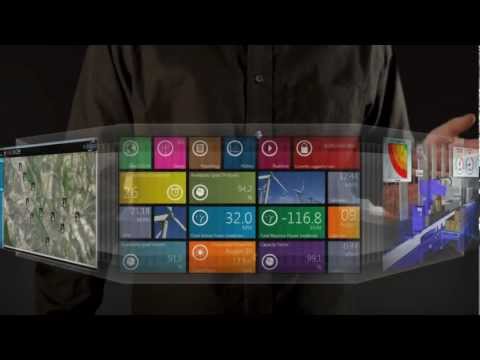
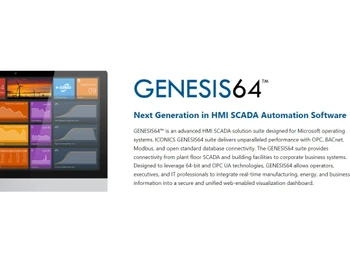
Buy Now & Pay Later, Check offer on payment page. GENESIS 64 SCADA Software empowers seamless data visualization and advanced system control, optimizing industrial processes with comprehensive monitoring and real-time analytics capabilities. ...Read more
 Get Instant Expert
  Safe & Secure
  Assured Best Price
 We make it happen! Get your hands on the best solution based on your needs.
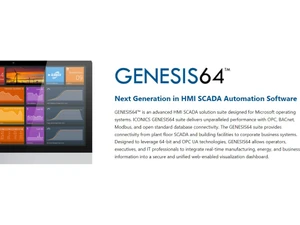
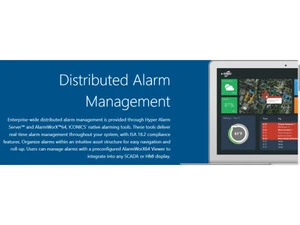
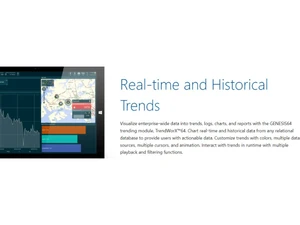
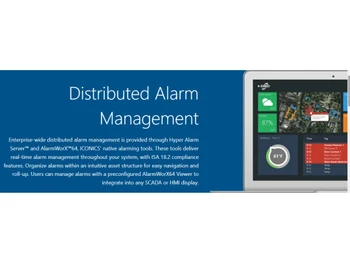
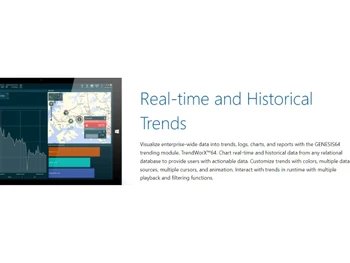
 Data Visualizations Effortlessly transform complex data into intuitive and visually appealing representations. Content Management Streamline the organization and accessibility of your data and content. Alarm Management Effectively monitor and manage alarms in real-time, ensuring prompt response and minimizing disruptions. Archiving & Retention Safeguard critical data with reliable archiving and retention capabilities for compliance and historical analysis. Real-time Monitoring Gain real-time insights into your operations, enabling proactive decision-making and optimizing performance. Simulation Models Simulate and analyze scenarios to optimize processes, identify improvements, and mitigate risks. Dashboard Creation Easily create customized and interactive dashboards to visualize and analyze data comprehensively.
 | Brand Name | ICONICS |
| Information | ICONICS is an award-winning global software provider offering real-time visualization, HMI/SCADA, energy management, fault detection, manufacturing intelligence, IoT, and a suite of analytics solutions for building automation and operational excellence. |
| Founded Year | 1986 |
| Director/Founders | Russell Agrusa |
| Company Size | 101-500 Employees |
| Other Products | Energy AnalytiX |


 20,000+ Software Listed
 Best Price Guaranteed
 Free Expert Consultation
 2M+ Happy Customers
 USA
USA UAE
UAE


